
Create your account
Creating your account on Kashew is simple. Just follow the 3 steps, it’ll take less than 3 minutes and will be necessary to start buying and selling.
If you're a buyer:
After creating your account, you'll be able to send offers, ask questions to sellers, add items to your favorites, save searches, and check out for items.If you’re a seller:
After creating your account, you’ll be able to upload listings, see your analytics, accept offers, sell your items and answer questions.Here are the 4 simple steps:
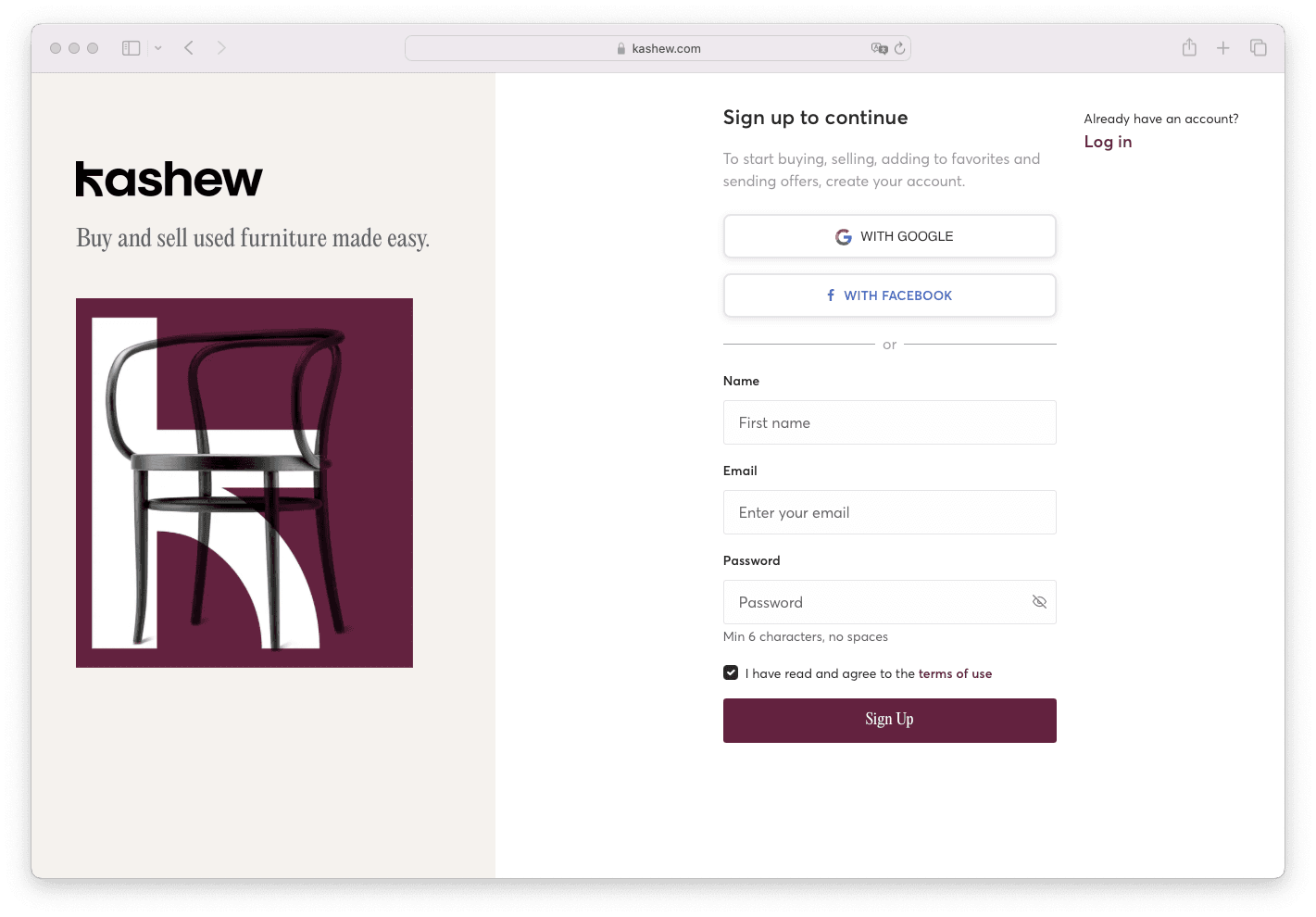
1. Click on the button “Sign Up” on the top right of your screen. Or head to the Register page to create your account.
2. Complete all the required info, or choose to sign up with Facebook or Google.
3. Click “Sign up,” and you’re all set!
Related articles
If you need more help, don't hesitate to reach out to us at:
Or by phone:+1 (213) 556-2728.
We'll be happy to assist!