
Resetting or changing your password
If you forgot your password, you can reset it by following the steps here: https://www.kashew.com/help/article/password-buyer
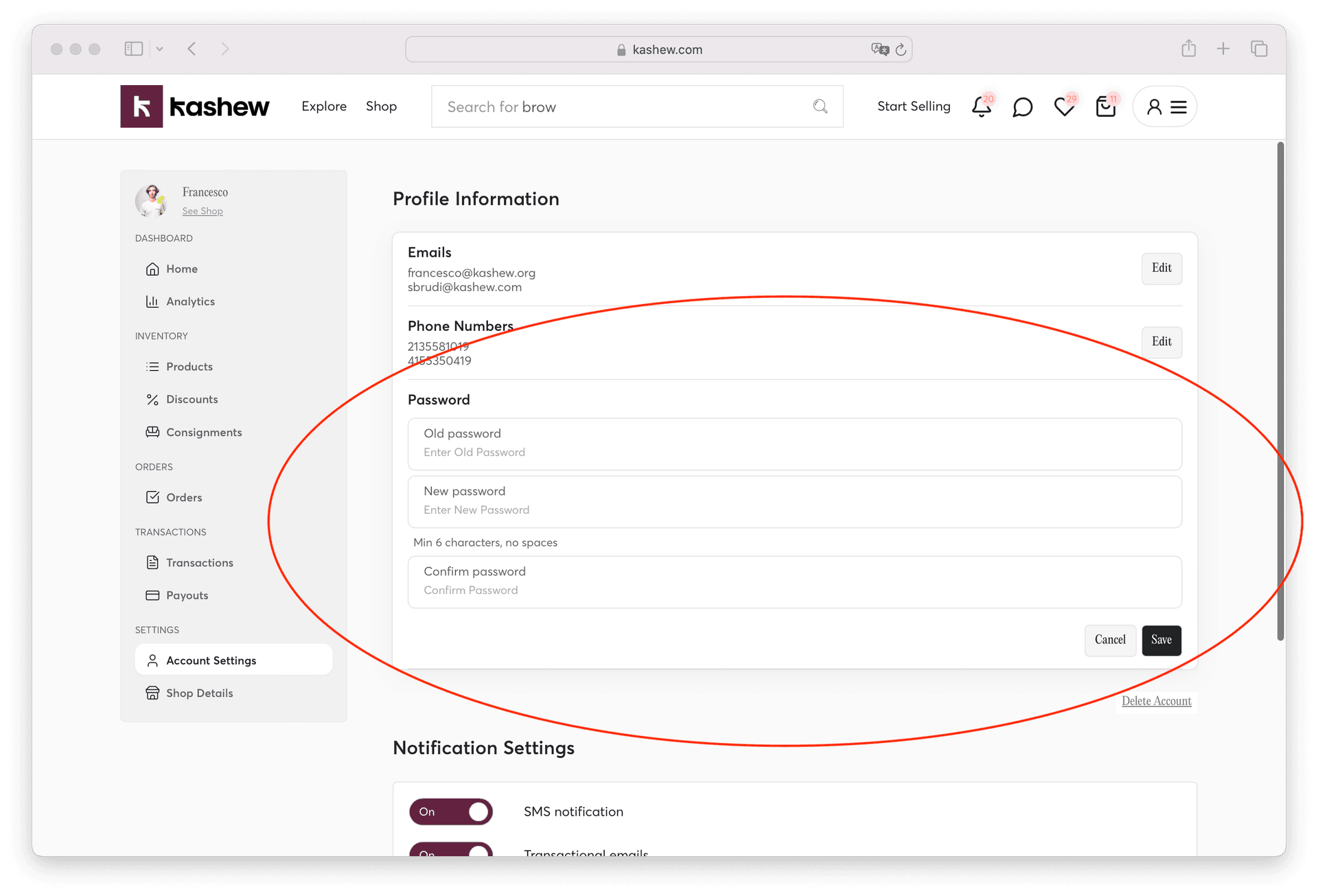
If you simply want to change your existing password, go to your Account Settings: https://www.kashew.com/seller-dashboard?tab=account_settings
Click "Edit" next to the password field.
Related articles
Creating and deleting a seller/dealer accountKashew's selling feesChanging or adding contact detailsDeleting your accountManaging notification preferencesManaging payout methods
If you need more help, don't hesitate to reach out to us at:
Or by phone:+1 (213) 556-2728.
We'll be happy to assist!