
Selling from multiple locations
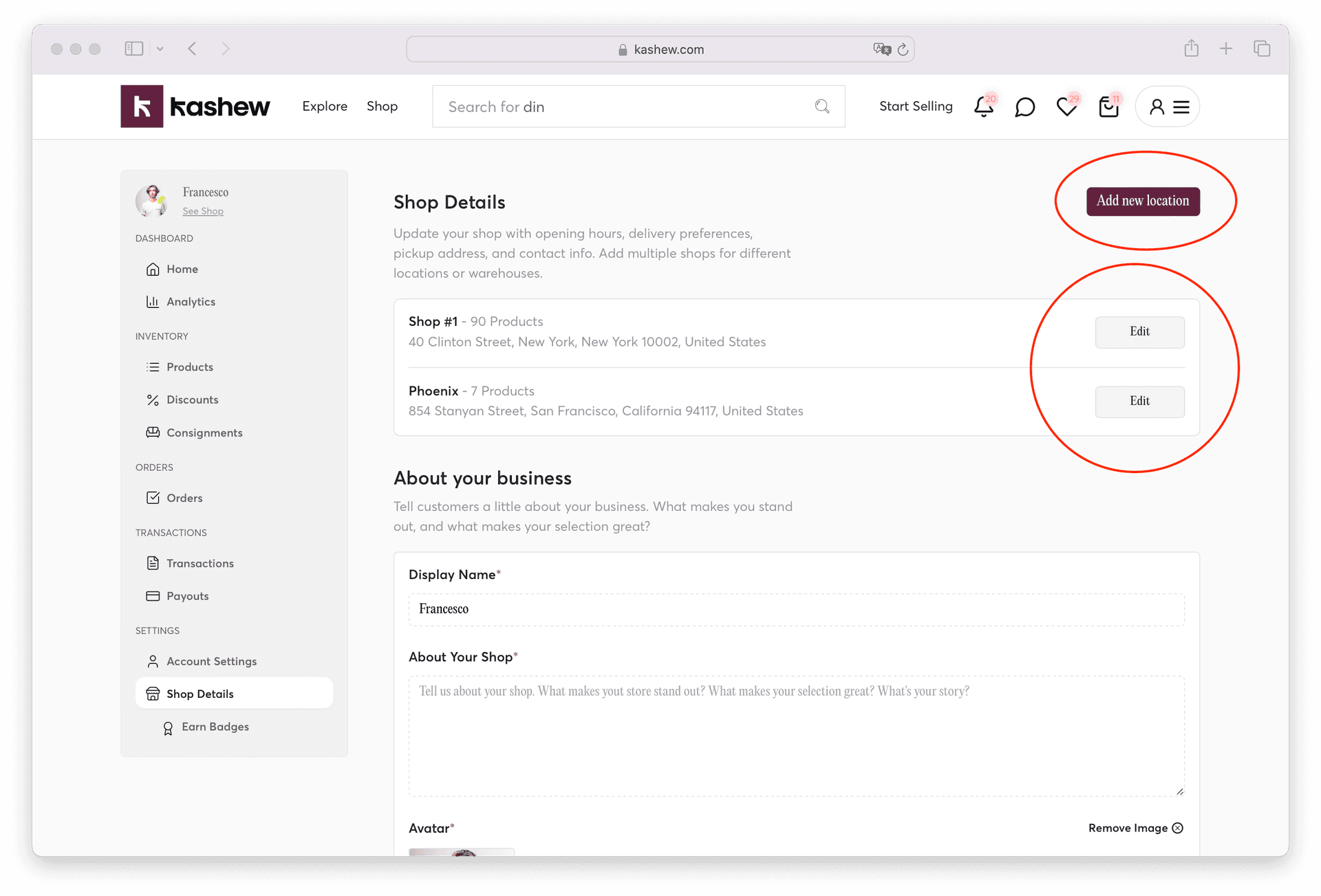
If your business operates from more than one store or warehouse, you can add all locations under one Kashew account.
In the Shop Details tab, click "Add new location."
You can edit each location's settings individually (e.g., hours, allowed shipping methods).
Related articles
Importing or adding your productsBulk imports and catalog syncCreating your profile pageManaging sales preferencesOffering your own deliveryOffsetting commission
If you need more help, don't hesitate to reach out to us at:
Or by phone:+1 (213) 556-2728.
We'll be happy to assist!